Working With Dataflow using BigQuery
Building a Dataflow Pipeline From a BigQuery Source
This runs a Dataflow pipeline that reads a table already sitting in BigQuery, processes it with a Python script using Apache Beam, and writes the result into a Cloud Storage bucket. It is a useful third variation alongside the other two Dataflow guides in this series, ETL Processing With Dataflow and BigQuery reads from a file and writes into BigQuery, and Pub/Sub Stream Processing With Dataflow reads a continuous stream of messages, while this one starts from data that is already a BigQuery table.
This walks through querying the source table directly in BigQuery first, then running the same underlying data through a Dataflow pipeline that finds Java projects with a high ratio of comments suggesting they need help, such as TODO or FIXME notes.
Step by Step Process of Building a Dataflow Pipeline from a BigQuery Source
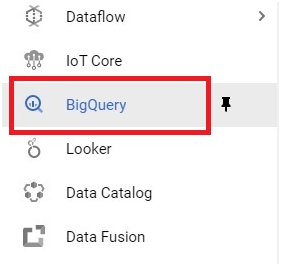
Step One: Open BigQuery
Open the console, then the menu, then BigQuery.
Step Two: Run a Sample Query
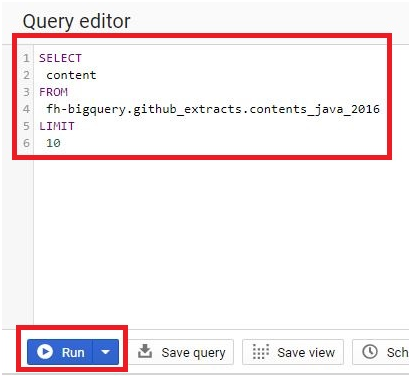
SELECT
content
FROM
fh-bigquery.github_extracts.contents_java_2016
LIMIT
10
Click Run.
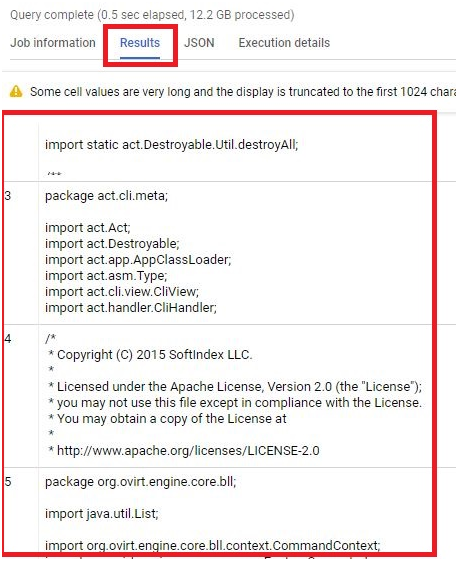
It will display the results.
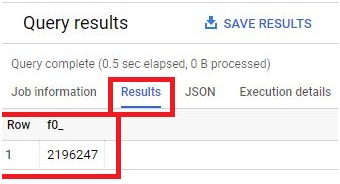
Step Three: Run a Count Query
SELECT
COUNT(*)
FROM
fh-bigquery.github_extracts.contents_java_2016
Click Run.
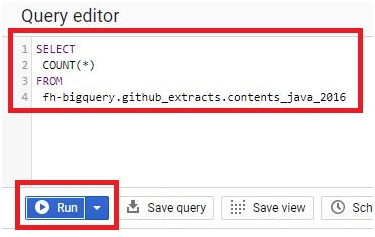
This gives you the total number of rows in the table.
Step Four: Clone the Training Repository
Activate Cloud Shell, then run:
git clone https://github.com/GoogleCloudPlatform/training-data-analyst

Step Five: List the Contents
ls

Step Six: Set a Bucket Variable
Create a bucket in the console first, using the same name as your project ID, then set it as a variable in Cloud Shell:
BUCKET=”your-bucket-name”
echo $BUCKET

Step Seven: Move Into the Lab Directory
cd training-data-analyst/courses/data_analysis/lab2/python
ls
The lab files will be displayed.

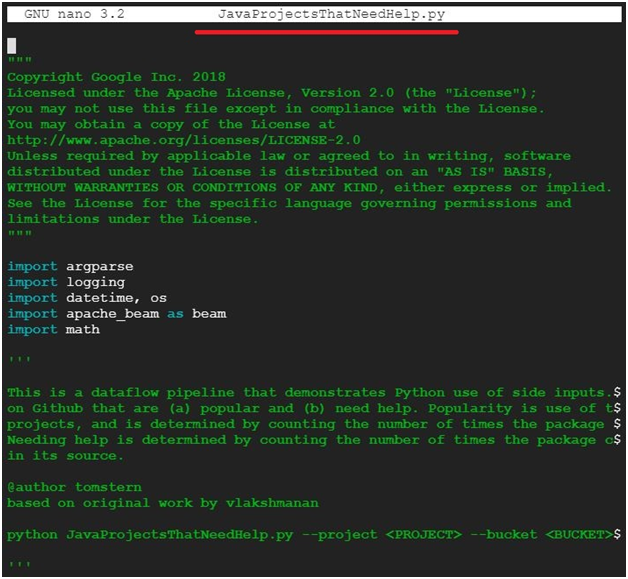
Step Eight: Open the Script
nano JavaProjectsThatNeedHelp.py

This is a good point to actually read through the script before running it, so you know what it is doing to the data rather than just running it blind.
Exit with control x.
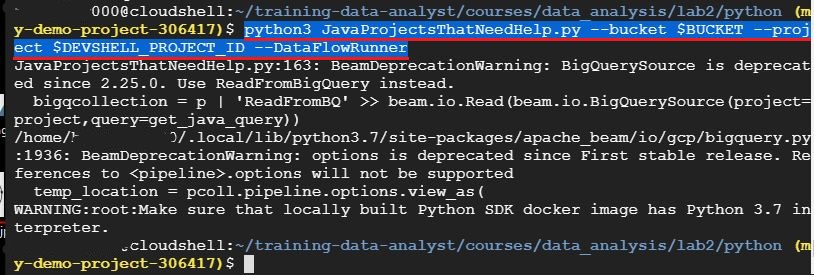
Step Nine: Run the Pipeline
python3 JavaProjectsThatNeedHelp.py –bucket $BUCKET –project $DEVSHELL_PROJECT_ID –DataFlowRunner
This specific lab script expects that exact set of arguments, bucket and project as regular flags, with DataFlowRunner as a separate flag that switches it from running locally to running on Dataflow. If your copy of the script has been updated since this was written, check its own argument parser for the current flag names before assuming the command is wrong.
Step Ten: Watch the Job Run
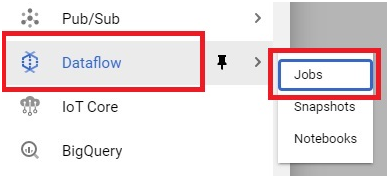
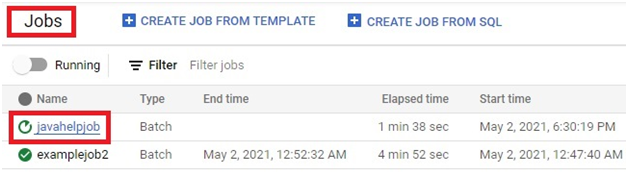
Go to DataFlow > Jobs The jobs will be running
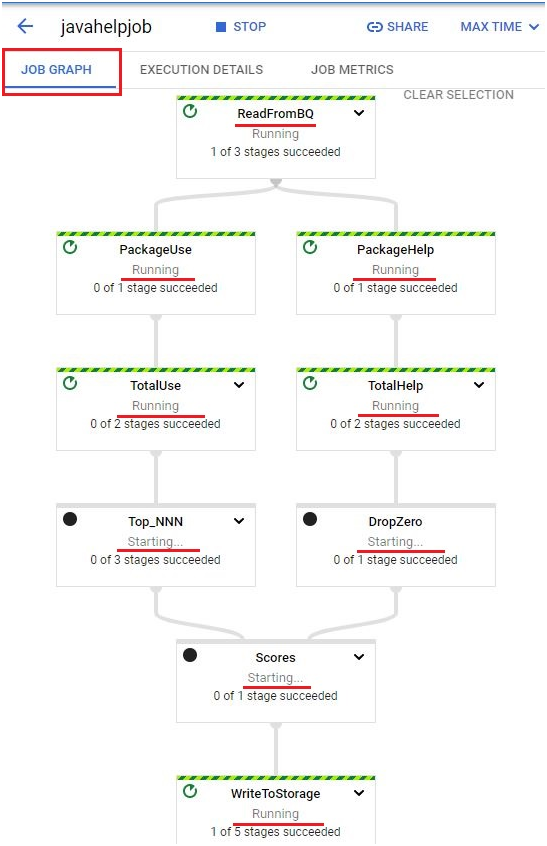
Open the running job
Watch its progress.
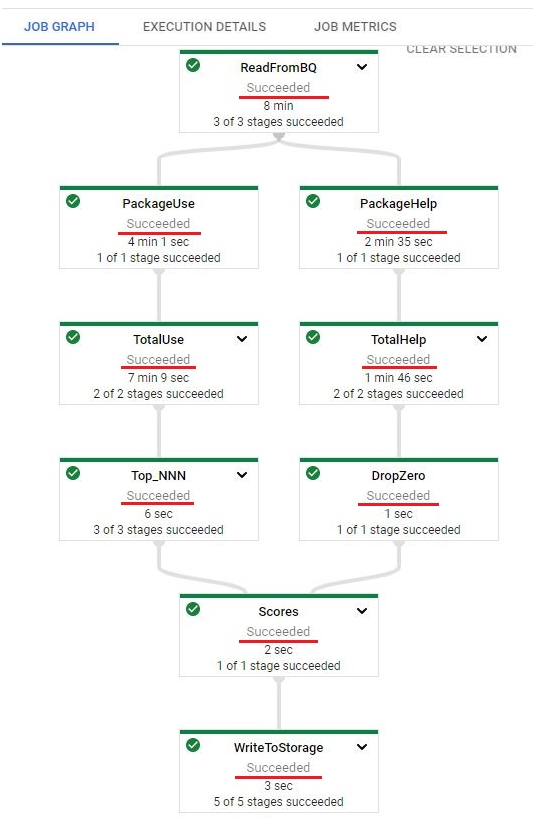
Step Eleven: Confirm Success
Once finished, the job shows a Succeeded status.
Step Twelve: Check the Output
Open the menu, then Cloud Storage, then your bucket.

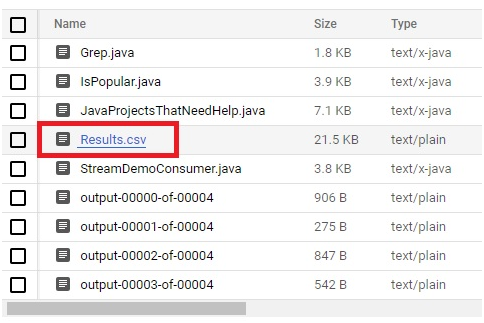
Open the javahelp folder.
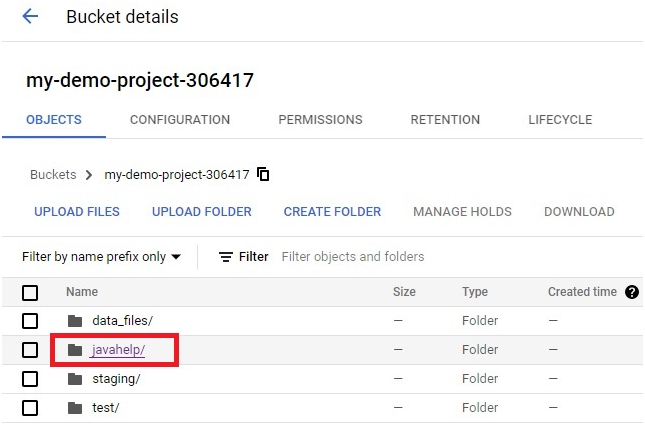
The pipeline’s output is stored there.
How This Fits With the Other Dataflow Guides
Across this series, the three Dataflow examples cover the three common shapes a pipeline’s source and destination can take. ETL Processing With Dataflow and BigQuery reads a file and writes into BigQuery. Pub/Sub Stream Processing With Dataflow reads a continuous stream and writes to Cloud Storage. This one reads a table already inside BigQuery and writes back out to Cloud Storage, showing that Dataflow treats BigQuery as just another data source, not only a destination.
Common Mistakes to Avoid
- Copying the pipeline command with en dash characters instead of real double hyphens. Retype the flags if the command fails immediately.
- Naming the bucket something other than your project ID after being told to match them. Later commands and the script itself assume that naming, and a mismatch will cause confusing failures.
- Running the script without reading it first. It is short enough to read through in a minute, and understanding what it actually filters for makes the Dataflow job’s output far more meaningful.
- Assuming a community hosted dataset like this one will always be available. Run the sample query first to confirm it still resolves before building anything on top of it.
That covers running a Dataflow pipeline against a BigQuery source table and writing its output to Cloud Storage. To go further, explore Prwatech’s Google Cloud training program, which includes placement assistance.
